
TNPSC DEO Hall Ticket 2026 Released – Download Main Exam Admit Card
Post Title: TNPSC DEO Hall Ticket 2026 Out Now Download Link
Post Date / Update: 15 March 2026
Name of Post: District Educational Officer (DEO)
Hall Ticket: Released
Exam Mode: Offline (Descriptive/Main Written)
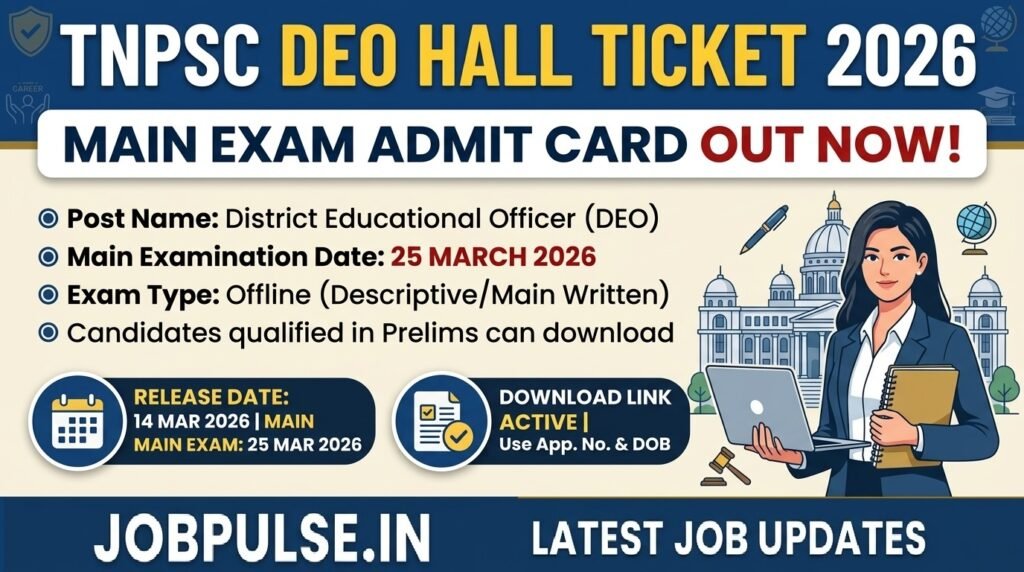
The Tamil Nadu Public Service Commission (TNPSC) has officially released the Hall Ticket (Memorandum of Admission) for the District Educational Officer (DEO) Main Examination on 14 March 2026.
Candidates who successfully qualified for the Preliminary Examination are eligible to appear for the Main Written Exam. The examination is scheduled to be held in an offline descriptive mode. Candidates must download their admit cards using their Application Number and Date of Birth.
TNPSC DEO Recruitment 2026 Overview
| Organization | Tamil Nadu Public Service Commission (TNPSC) |
| Post Name | District Educational Officer (DEO) |
| Exam Type | Main Written Examination (Descriptive) |
| Hall Ticket Status | Released (14 March 2026) |
| Exam Date | 25 March 2026 |
| Official Website | tnpsc.gov.in |
| Shyam Lal College (DU) Recruitment 2026: Apply Online Punjab Police Constable Recruitment 2026: Apply Online for 3298 Posts |
Important Dates
Advertisement No: 05/2024
Hall Ticket Release Date: 14 March 2026
Main Examination Date: 25 March 2026 (Forenoon Session)
Exam Pattern & Mode
Mode of Exam: Offline (Pen & Paper)
Question Type: Descriptive / Main Written
Mandatory: It is compulsory to carry a printed copy of the Hall Ticket and a valid ID proof to the exam center.
How to Download TNPSC DEO Hall Ticket 2026
Candidates can follow these simple steps to download their admit card:
Visit the official TNPSC recruitment portals: tnpsc.gov.in or tnpscexams.in.
Navigate to the “OTR (One Time Registration) Dashboard”.
Look for the link titled “Download Hall Ticket for DEO Main Examination”.
Enter your Application Number and Date of Birth (as per records).
Click on the Submit button.
Your Hall Ticket will be displayed on the screen.
Check all details (Name, Photo, Venue) carefully.
Download the PDF and take at least 2-3 printouts for safety.
Important Links
| Link Description | Links |
| Download TNPSC DEO Hall Ticket | Click Here |
| Official TNPSC Website | Visit Site |
| Latest Update | Click Here |
| Join Our WhatsApp Channel | Follow Now |
| Join Our Telegram Channel | Follow Now |
Note: In case of any technical issues while downloading the hall ticket, candidates should contact the TNPSC helpdesk immediately. Stay updated with JobPulse.in for the latest TNPSC results and exam updates.